
Operations · Aug 21, 2026 · 11 min read
How to Export Your Data Out of Limo Anywhere (Step-by-Step, 2026)
By Limozoft Editorial · Reviewed by Limozoft operator research team.
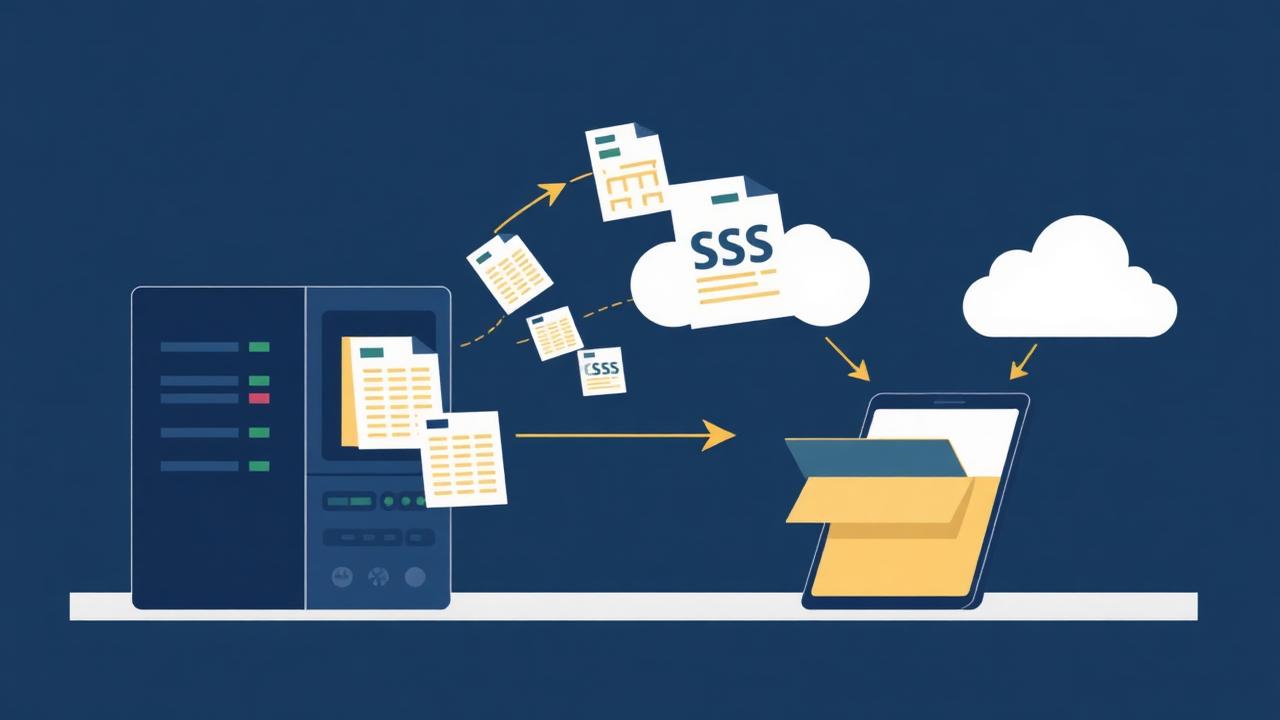
Why export before you decide, not after?
Data portability is the thing that makes a software decision reversible. Run the export while you still have full access and a support relationship, not during a notice period.
It also tells you something useful: how hard the export is signals how hard the next one will be, whichever platform you choose.
- Full access makes support requests easier to get answered.
- You discover missing fields with time to ask about them.
- An archive protects you if the migration stalls halfway.
- You can test an import into the new system before committing.
What should you export, in what order?
Order matters because records reference each other. Import customers before reservations and the reservations attach to real accounts; do it the other way and you get orphaned records.
Work through this list and tick each one off with a row count.
- Customers: name, email, phone, address, notes, account flag.
- Corporate accounts: billing contact, PO requirements, payment terms, rate agreement.
- Vehicles: type, capacity, plate, licence and inspection dates.
- Drivers: name, contact, licence numbers and expiry dates.
- Rates: point-to-point, hourly, airport, surcharges, gratuity rules.
- Reservations: full history with dates, addresses, driver, vehicle, fare components.
- Documents: insurance certificates, licences, signed contracts.
- Reporting: a final set of month-end reports as a reconciliation reference.
What cannot be exported, and what do you do about it?
Stored card details are the big one. Payment credentials live with the payment processor under PCI rules, and no dispatch platform hands them over in a spreadsheet.
Depending on your processor there may be a card-on-file migration path between gateways, handled processor-to-processor. Ask your processor directly — never ask anyone to email you card numbers.
- Stored payment methods: re-collect, or arrange a processor-to-processor token migration.
- Rate rule logic: usually rebuilt in the new system, not imported.
- Custom report definitions: rebuild from the exported data.
- Email and SMS templates: copy the text manually, they are short.
- Third-party integration configurations: reconnect in the new platform.
How do you verify the export is complete?
Row counts, not eyeballs. Open the reporting screen in the old system, note the totals, and compare them to the exported files before you touch anything else.
Then spot-check content, because a file with the right number of rows can still have truncated notes or mangled dates.
- Compare customer count in export vs the system's customer report.
- Compare reservation count for a full year vs the annual booking report.
- Spot-check ten reservations field by field against the screen.
- Check date formats survived the CSV round-trip.
- Check that special characters in names and addresses are intact.
- Confirm fare components exported as separate columns, not one total.
What is a safe cutover sequence?
Run parallel for a short, defined period. Not months — a week or two, long enough to catch problems and short enough that staff do not settle into double entry.
Pick a low-volume window. Every operator has one; for most chauffeur fleets it is the first two weeks of a shoulder month.
- Week 1: export everything, import into the new system, verify counts.
- Week 2: run new bookings in the new system, keep the old one read-only.
- Week 3: move all dispatch across; old system stays accessible.
- Week 4: re-collect stored payment methods for active accounts.
- Only then: give notice on the old contract.
When should you not cut over?
Never during peak season, never in the week before a major event you are servicing, and never while your only dispatcher is on holiday.
If those windows do not exist in your year, the mid-season switching playbook covers how to do it anyway with a phased approach.
How does Limozoft handle the import side?
Send the CSVs during the setup week and they are imported and reconciled as part of the $399 one-time setup — customers, corporate accounts, vehicles, drivers and trip history.
Rates are rebuilt rather than imported, which sounds like more work and is usually less: most operators discover they have been carrying rate rules nobody has used in two years.
- CSV import for customers, accounts, vehicles, drivers and reservations.
- Row-count reconciliation report after import.
- Rate rules rebuilt with you during setup.
- Export back out to CSV at any time, on any plan, at no cost.
Migration data checklist
| Data | Exportable? | Priority | Notes |
|---|---|---|---|
| Customers | Yes | 1 | Import before reservations |
| Corporate accounts | Yes | 1 | Include PO and terms |
| Vehicles | Yes | 2 | Include licence expiry dates |
| Drivers | Yes | 2 | Include licence expiry dates |
| Rates | Partly | 3 | Usually rebuilt |
| Reservation history | Yes | 4 | Verify against annual report |
| Stored cards | No | 5 | Re-collect or token migration |
| Documents | Yes | 5 | Download and re-attach |
| Report definitions | No | 6 | Rebuild |
Pros and cons
Pros
- Exporting early makes the whole decision reversible.
- Row-count verification catches silent truncation before cutover.
- Rebuilding rates removes years of unused rules.
- A dated offline archive protects you regardless of outcome.
Cons
- Stored payment methods always require re-collection or a gateway migration.
- Rate rebuilding is real work that falls on the operator.
- Parallel running costs a fortnight of mild double-handling.
- Some custom fields have no equivalent and need a decision.
Original data · Limozoft operator research 2026
Small fleets migrating to Limozoft averaged under one working day of data preparation once they exported in the customers-first order.
The migrations that ran long were the ones that started with reservation history. Importing trips before accounts creates orphaned records that then need matching by hand.
Keep exploring on limozoft.com
Dispatch console →
The real-time board dispatchers learn in an afternoon.
Chauffeur driver app →
Native iOS/Android, included on every plan.
Booking widget →
Embed on your site in five minutes.
Solutions by fleet type →
Airport, corporate, black car, wedding & small fleet.
Frequently asked questions
Can I export my full trip history from Limo Anywhere?+
Can I export stored credit cards?+
How long does a migration take?+
Should I cancel my old subscription immediately?+
What if a field has no equivalent in the new system?+
Do I have to rebuild my rates by hand?+
Can I get my data out of Limozoft later?+
Ready to see it live?
Book a 20-minute demo tailored to your fleet.
Same-week launch · month-to-month · everything included.
Related reading

Compliance · 11 min
NYC TLC Licensing for Black Car Operators: What Your Software Has to Record (2026)

Operations · 8 min
How Chauffeur Companies Automate Daily Operations (2026 Playbook)

Operations · 7 min
Reduce No-Shows with Smart Dispatch Software

Operations · 7 min
Increase Repeat Customers Using Chauffeur CRM
Where to go next on Limozoft
- Limo Anywhere pricing, broken down line by line — what the bill really comes to once add-ons are stacked.
- Limozoft pricing — $399 one-time + $10–$40/mo with every feature included.
- Limozoft vs Limo Anywhere — the 2026 head-to-head on pricing, setup time, driver app and contract terms.
- Best dispatch software for small limo operators (1–15 vehicles).
See Limozoft on your own reservation data.
20-minute walkthrough. No slide deck. Same-week launch.
Book a free demo →