
FAQ · Jun 18, 2026 · 6 min read
How Does Limo Dispatch Software Work? (Step-by-Step)
By Limozoft Editorial · Reviewed by Limozoft operator research team.
What happens at reservation intake?
The passenger (or a corporate booker) submits a booking through a branded widget, phone call captured by the dispatcher, or a corporate portal login. The platform captures pickup, drop-off, date/time, passenger profile, vehicle type and any special instructions.
How does the rating engine work?
The rating engine applies the operator's rules: base rate, per-mile or per-km, hourly minimums, airport surcharges, tolls, gratuities. Corporate accounts get their contracted discount automatically.
What is auto-dispatch actually doing?
Auto-dispatch scores each driver against the pending run on distance to pickup, vehicle type, driver skill/rating, and shift constraints. Top-scored driver gets the trip; if declined in 60 seconds, it rolls to the next best.
What happens in the driver app?
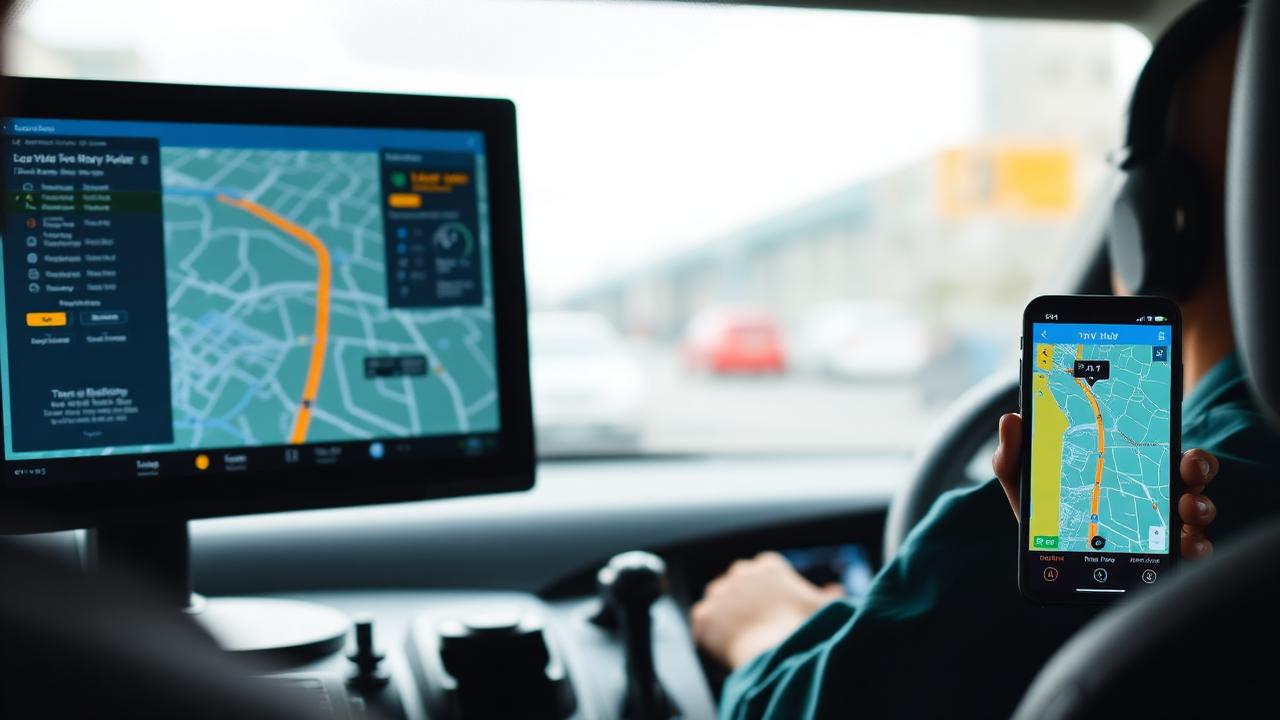
Accept trip → navigate to pickup (deep-linked to Waze or Google Maps) → mark 'on location' → capture signature or passenger acknowledgment → drive → close trip. Each step updates the dispatch board in real time.
Lifecycle of a chauffeur trip (2026 platform)
| Step | Actor | Typical duration |
|---|---|---|
| Reservation | Passenger / booker | 1–3 min |
| Rating + payment | Platform | Automatic |
| Dispatch | Dispatcher / auto | 10–60 sec |
| Trip execution | Driver | Trip duration |
| Close + invoice | Platform | Automatic |
Pros and cons
Pros
- One platform end-to-end — no data re-entry.
- Real-time updates for dispatcher, driver and passenger.
- Automatic invoicing and reporting.
Cons
- Requires initial rate-card and workflow setup.
- Automation quality varies by platform.
Keep exploring on limozoft.com
Full FAQ →
Every answer to the questions operators ask before switching.
Pricing →
Flat monthly tiers and what's included.
Book a demo →
See dispatch, driver app and corporate billing on your data.
Glossary →
Limo & chauffeur software terms explained.
Frequently asked questions
Do I still need a dispatcher?+
What if the driver rejects a run?+
Can passengers see the driver location?+
How does the platform know when to charge?+
Ready to see it live?
Book a 20-minute demo tailored to your fleet.
Same-week launch · month-to-month · everything included.
Related reading
Operations · 8 min
How Chauffeur Companies Automate Daily Operations (2026 Playbook)
FAQ · 6 min
What Features Should Chauffeur Software Have? (2026 Checklist)

FAQ · 5 min
What Software Do Limousine Companies Use in 2026?

FAQ · 5 min
Is There Free Limo Dispatch Software? (Honest Answer 2026)
Where to go next on Limozoft
- Limo Anywhere pricing, broken down line by line — what the bill really comes to once add-ons are stacked.
- Limozoft pricing — $399 one-time + $10–$40/mo with every feature included.
- Limozoft vs Limo Anywhere — the 2026 head-to-head on pricing, setup time, driver app and contract terms.
- Best dispatch software for small limo operators (1–15 vehicles).
See Limozoft on your own reservation data.
20-minute walkthrough. No slide deck. Same-week launch.
Book a free demo →