
Operations · Jul 27, 2026 · 12 min read
Switching Dispatch Software Without Losing a Single Booking: A 7-Day Migration Plan
By Limozoft Editorial · Reviewed by Limozoft operator research team.
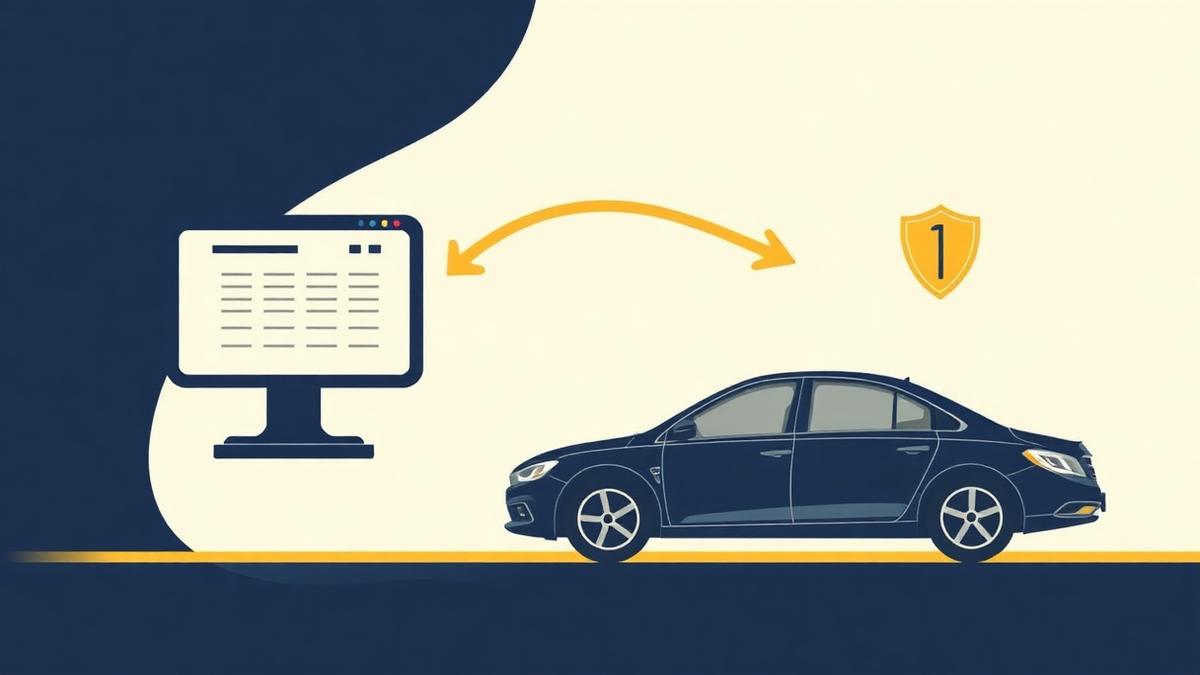
What actually causes a lost booking during migration?
It is almost never a database failure. It is a handover gap: a job that exists in one system and not the other, at the moment nobody is watching both.
- Future-dated reservations left behind because the export only covered completed trips.
- A booking taken by phone into the old system after cutover.
- A driver checking yesterday's app instead of today's board.
- Recurring corporate jobs that were set up as a repeating series rather than individual bookings.
- Airport pickups where the flight number field did not map across.
Day 1: what do you export, and why immediately?
Export while your old account is fully active and paid. Export capability is easiest to use before you have given notice, and some platforms make self-service export harder once an account is winding down.
Store the files somewhere outside both systems — your own cloud drive — and check each one opens with the row count you expect.
- Customers with contact details and any account/PO references.
- All future-dated reservations, including recurring series expanded into dates.
- Vehicles, vehicle classes and capacities.
- Rate cards, airport flat rates, surcharges and cancellation rules.
- Chauffeur records with licence and insurance expiry dates.
- Completed trips and invoices for the last 24 months.
Day 2: how do you prove rate parity before anything goes live?
Rate parity is the single highest-value check in the whole migration. Pick ten invoices you actually sent last month — a mix of hourly charters, airport flats, out-of-hours jobs and a corporate account — and reprice each one in the new system.
Every total must match to the cent, including gratuity, tolls, waiting time and any surcharge. If one does not match, fix the rate card before continuing. Do not go live intending to fix pricing later.
Days 3–5: how does the parallel run work?
For three days, every job is entered in both systems. The old platform remains the operational source of truth; the new one is a shadow copy your team practises on. Nothing customer-facing changes yet.
This is also your real training. Dispatchers learn the board on jobs they already understand, and drivers run the new app alongside their existing routine so a mistake costs nothing.
- Dispatchers enter every new booking twice for three days.
- Drivers run the new app on live jobs while old-process fallback exists.
- Compare the two boards at the end of each day and investigate any difference.
- Send one test corporate invoice from the new system and check the PO appears.
Day 6: what is the pre-cutover checklist?
The day before cutover is verification only. No new configuration.
- Every future-dated reservation appears in the new system with matching date, time, pickup, drop, vehicle class, price and flight number.
- Recurring corporate jobs exist as real dated bookings, not just a rule.
- Payments are connected and one live charge plus refund has settled.
- Confirmation email and SMS templates are sending from your domain and number.
- Every chauffeur has logged into the new app within the last 48 hours.
- One person is named as the go-live owner for cutover day.
Day 7: how do you cut over safely?
Cut over on a Monday morning. From that moment there is exactly one rule, and it is worth writing on the dispatch room wall: every new booking, from every channel, goes into the new system only.
Set the old platform to read-only in practice — nobody creates anything in it — and keep the subscription for 30 days so you can look up history without paying for a rushed archive.
What do you do in the 30 days after?
The migration is not finished at cutover; it is finished when you cancel the old subscription with nothing left to retrieve.
- Week 1: check each morning that yesterday's jobs closed with correct timestamps.
- Week 2: reconcile the first invoice run against what you would have billed before.
- Week 3: confirm no future reservation remains only in the old system.
- Week 4: take a final export, confirm your archive, then cancel.
Seven-day migration plan
| Day | Action | Safety check |
|---|---|---|
| 1 | Export everything from the old platform | Row counts match expectations |
| 2 | Import data and prove rate parity | Ten past invoices reprice exactly |
| 3 | Parallel run begins | Both boards match at end of day |
| 4 | Drivers run live jobs in the new app | All chauffeurs logged in |
| 5 | Corporate invoicing test | PO reference appears correctly |
| 6 | Pre-cutover verification | Every future booking present in both |
| 7 | Monday cutover | Old platform used for lookups only |
Pros and cons
Pros
- Future bookings are verified twice before anything is switched off.
- Rate parity is proven against real invoices, not sample data.
- Parallel running doubles as training with no customer risk.
- A 30-day read-only window removes the pressure of a perfect migration.
Cons
- Three days of double entry is genuine extra work for dispatchers.
- You pay for both platforms for roughly a month.
- Recurring corporate series need manual attention in almost every migration.
Original data · Limozoft operator research 2026
Future-dated reservations and recurring corporate series cause more migration incidents than historical data ever does.
History can stay in a read-only archive without affecting operations; a missed pickup next Tuesday cannot.
Keep exploring on limozoft.com
Dispatch console →
The real-time board dispatchers learn in an afternoon.
Chauffeur driver app →
Native iOS/Android, included on every plan.
Booking widget →
Embed on your site in five minutes.
Solutions by fleet type →
Airport, corporate, black car, wedding & small fleet.
Frequently asked questions
Will I lose bookings when switching dispatch software?+
Can I switch mid-season?+
How long should I keep the old system?+
What about historical trips and invoices?+
How do I stop drivers using the old app?+
What if the old platform makes exporting difficult?+
Ready to see it live?
Book a 20-minute demo tailored to your fleet.
Same-week launch · month-to-month · everything included.
Related reading
Operations · 11 min
How to Export Your Data Out of Limo Anywhere (Step-by-Step, 2026)
Operations · 12 min
From Zero to Online Bookings in 7 Days: A Limo Operator's Launch Checklist

Operations · 8 min
How Chauffeur Companies Automate Daily Operations (2026 Playbook)

Operations · 7 min
Reduce No-Shows with Smart Dispatch Software
Where to go next on Limozoft
- Limo Anywhere pricing, broken down line by line — what the bill really comes to once add-ons are stacked.
- Limozoft pricing — $399 one-time + $10–$40/mo with every feature included.
- Limozoft vs Limo Anywhere — the 2026 head-to-head on pricing, setup time, driver app and contract terms.
- Best dispatch software for small limo operators (1–15 vehicles).
See Limozoft on your own reservation data.
20-minute walkthrough. No slide deck. Same-week launch.
Book a free demo →