
Operations · Oct 5, 2026 · 4 min read
How to Switch from Limo Anywhere Without Losing Bookings or Customer Data
By Limozoft Editorial · Reviewed by Limozoft operator research team.
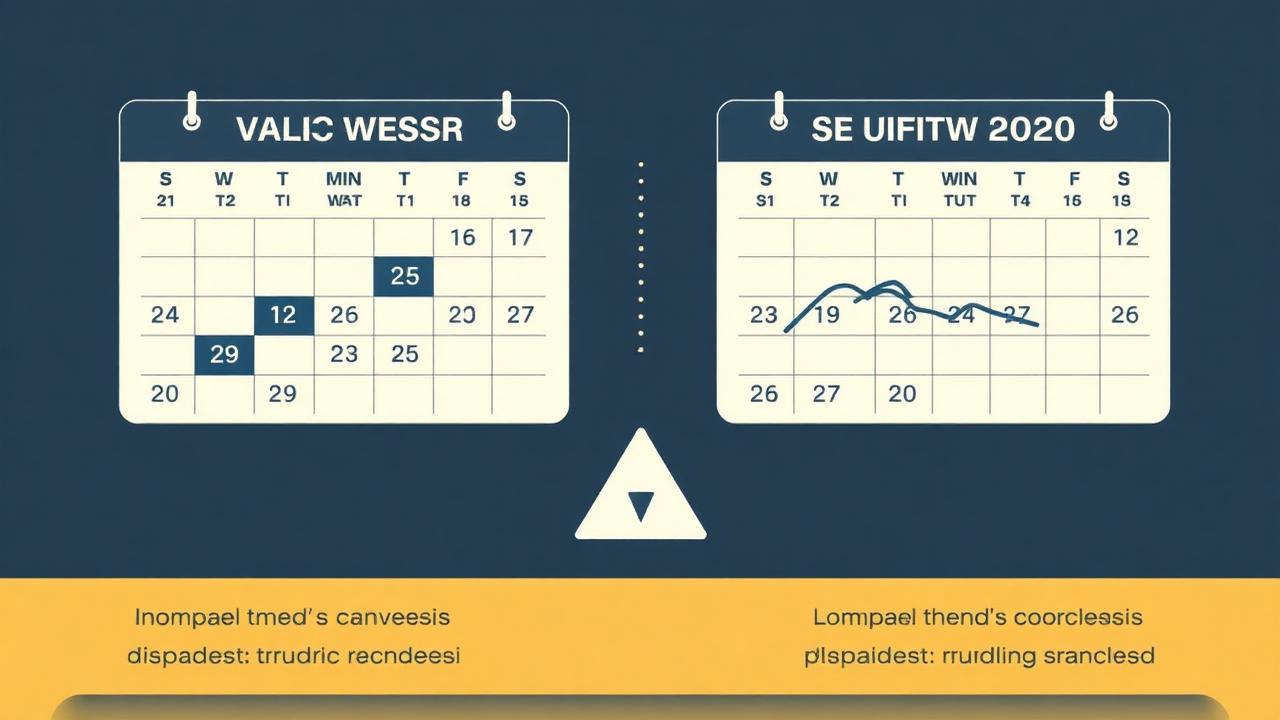
What should you export first?
Your future trips are the one thing you cannot rebuild from memory, so export them before anything else. Then export the records that make quoting and billing work.
- Every future-dated reservation, with pickup, drop-off, vehicle type, price and payment status
- Customer and passenger profiles, including saved addresses and notes
- Corporate accounts, billing contacts and PO numbers
- Rate cards: hourly, point-to-point, airport, minimums and surcharges
- Driver and vehicle records, including licence and insurance expiry dates
- Open invoices and unpaid balances
How do you avoid losing bookings during the move?
Import the data into the new platform and pick 20 future trips at random. Check the date, time, price and passenger against the old system. If any are wrong, fix the import mapping before moving on.
Then run both systems in parallel for one to two weeks. Take every new booking in the new system only, and keep dispatching already-booked trips from wherever they live. By the end, every remaining trip should exist in the new system.
What about card payments and held funds?
Find out where your card money currently settles and whether any balances are held. Make sure held funds are paid out before you close the account. If you move to Limozoft, card payments run through your own Stripe account, so future money lands straight in your bank.
How do you cut over customers, drivers and affiliates?
Cut-over day is about links and people, not data.
- Swap the booking widget on your website and update links in confirmation emails
- Install the new driver app on every phone and run one test trip per driver
- Email corporate accounts the date their booking link changes
- Tell affiliates where to send farm-in work from now on
- Give Limo Anywhere notice so the end date falls after the parallel run
How long does the switch take?
Most 1–20 vehicle operators finish in two to three weeks: a few days for export and import, one to two weeks of parallel running, and a cut-over day. On Limozoft, our team does the Limo Anywhere import and sets up your rate cards as part of the build, so your job is mostly checking trips and training drivers.
Our recommendation and next step
If you run 1–50 chauffeur vehicles and want your website, booking, dispatch, driver app and billing on one flat bill, shortlist Limozoft for your switch. Book a 20-minute demo using the form on this page and we will walk through it on your own trips and your current bill — no trial sign-up needed.
Disclosure: Limozoft is our product. We say where it is not the right choice, and every competitor figure names its source so you can check it.
- Book a demo: /demo
- See pricing: /pricing
- Limo Anywhere alternatives: /limo-anywhere-alternatives
Switching checklist
| Step | What to move | Risk if skipped |
|---|---|---|
| Export | Future trips, customers, accounts, rates | Lost bookings |
| Import & check | 20-trip spot-check | Wrong prices or times |
| Parallel run | 1–2 weeks | Missed jobs |
| Payments | Release held funds | Money stuck in old account |
| Cut-over | Website, emails, drivers, affiliates | Old links still live |
| Notice | After parallel run ends | Paying for two systems |
Pros and cons
Pros
- One flat bill that does not grow with drivers or trips
- Website, booking, dispatch and apps in one account
- Limo Anywhere data migration included in the build
Cons
- Not built for 100+ vehicle or multi-depot enterprise fleets
- No GNet integration
- Every plan has a one-time setup fee
- No independent product reviews yet
Keep exploring on limozoft.com
Dispatch console →
The real-time board dispatchers learn in an afternoon.
Chauffeur driver app →
Native iOS/Android, included on every plan.
Booking widget →
Embed on your site in five minutes.
Solutions by fleet type →
Airport, corporate, black car, wedding & small fleet.
Frequently asked questions
How long does it take to switch from Limo Anywhere?+
Will I lose my customer history?+
Does Limozoft charge extra for migration?+
Ready to see it live?
Book a 20-minute demo tailored to your fleet.
Same-week launch · month-to-month · everything included.
Related reading
Operations · 11 min
How to Export Your Data Out of Limo Anywhere (Step-by-Step, 2026)

Comparison · 4 min
Limo Anywhere Alternatives in 2026: Honest Comparison for Small Fleets

Comparison · 8 min
Moovs vs Limo Anywhere vs Limozoft: Feature & Pricing Breakdown (2026)

Operations · 8 min
How Chauffeur Companies Automate Daily Operations (2026 Playbook)
Where to go next on Limozoft
- Limo Anywhere pricing, broken down line by line — what the bill really comes to once add-ons are stacked.
- Limozoft pricing — $399 one-time + $10–$40/mo with every feature included.
- Limozoft vs Limo Anywhere — the 2026 head-to-head on pricing, setup time, driver app and contract terms.
- Best dispatch software for small limo operators (1–15 vehicles).
See Limozoft on your own reservation data.
20-minute walkthrough. No slide deck. Same-week launch.
Book a free demo →